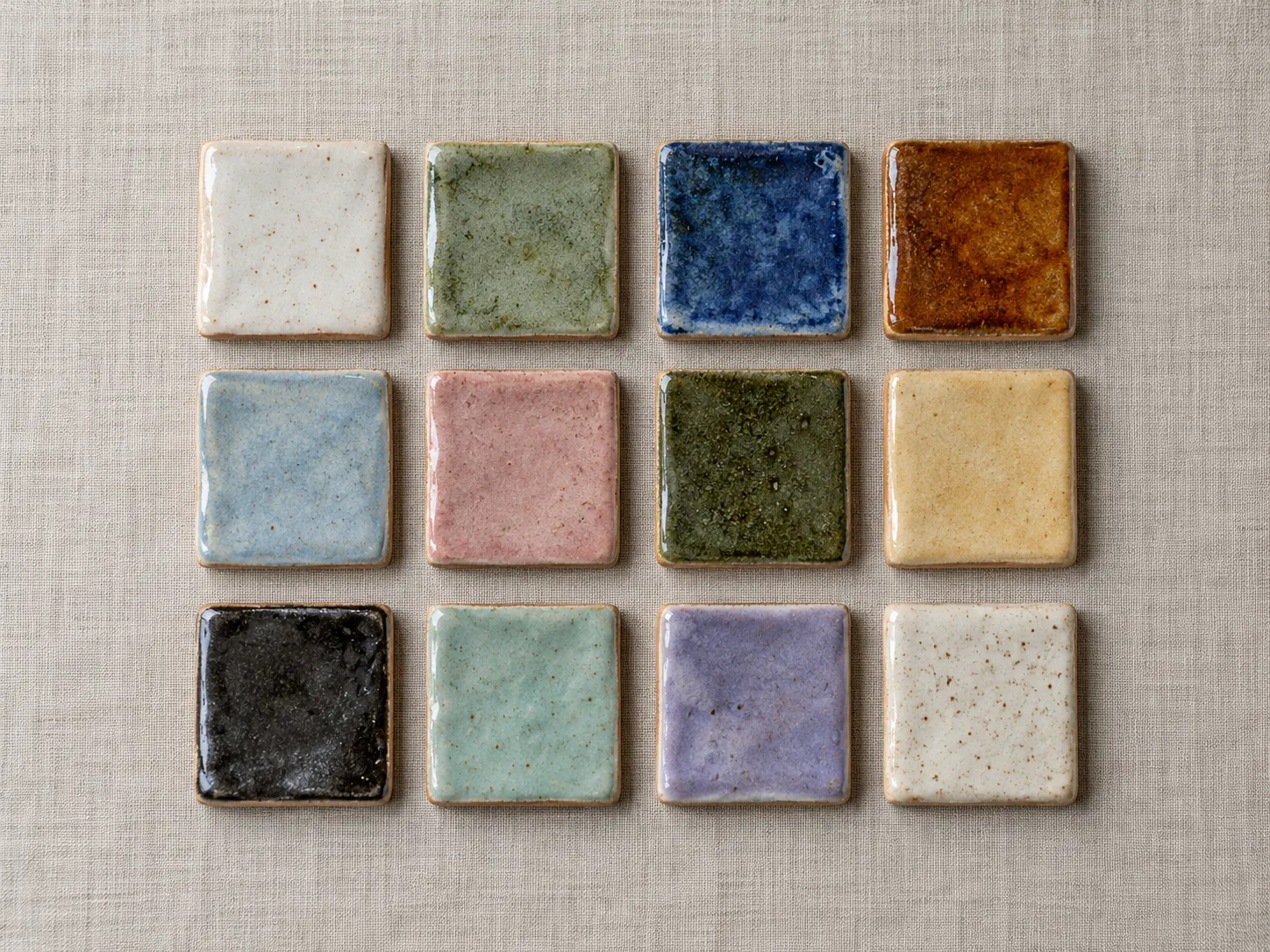
🐚 Journal · 13 October 2026
Opening the kiln after a glaze firing
The long piece. It went out on the journal.
bernard · social
A demonstration site. The posts below are demonstration content in this site's own calendar. Nothing on this page was posted, scheduled or sent.
Tracy runs a small pottery school. Their social posts, journal posts and monthly letter all live on one calendar in bernard. Bernard helps to write them and can make a photo move. Tracy decides what goes out, and when.
One sea creature for each type
| 🐟 Fish | A social post |
|---|---|
| 🐚 Shell | A blog post |
| 🐙 Octopus | An email to a list |
| 🐢 Turtle | A step in an email journey |
| 🐋 Whale | A lesson |
| 🦀 Crab | A task that helps people find you |
| 🦞 Lobster | A check on your numbers |
1 · the calendar
Each social post, blog post and email to a list sits on its day. The symbol tells you the type. The border tells you the state: dashed for an idea or a draft, solid for scheduled, faint for what already went out, and coral when something needs you.
Click an item and it opens in a window with its words, picture, networks and time. Click an empty day to add a social post, a blog post or an email on that day. You do not need a plan first.
Items with no day wait on the shelf under the month, in your order. Drag one onto a day. On a phone there is no dragging: open the item and use Move to.
Show me what is on my calendar this month, and what is waiting on my shelf.
On the shelf (no day yet)
2 · the Content tab
The Content tab shows every item as a written note: your ideas, drafts, scheduled items and what went out. Filter by state, and drag the notes with no day into the order you want.
When you ask, Bernard suggests a set for the month: two long pieces (a blog post and a newsletter) and six short posts, one for one network each. On the 25th of each month a card offers the next month's set. Nothing is written until you press it.
Each suggestion is marked as Bernard's until you edit it. Then it is yours, and Bernard does not change it. Edit, delete or reorder the notes, then put them on your free days and schedule each one when you are ready.
Suggest a month of posts for November.
3 · the posts on this site
These are the social posts in this site's calendar, as Bernard holds them on 15 October. The words are shown exactly as they are on each post. Each card says the network, the day and the state.
Make posts for Instagram and LinkedIn from my calendar entry for Friday.
Three new glazes came out of the kiln this week. Slow work, quiet colour. Come and hold them in the studio on Saturday.
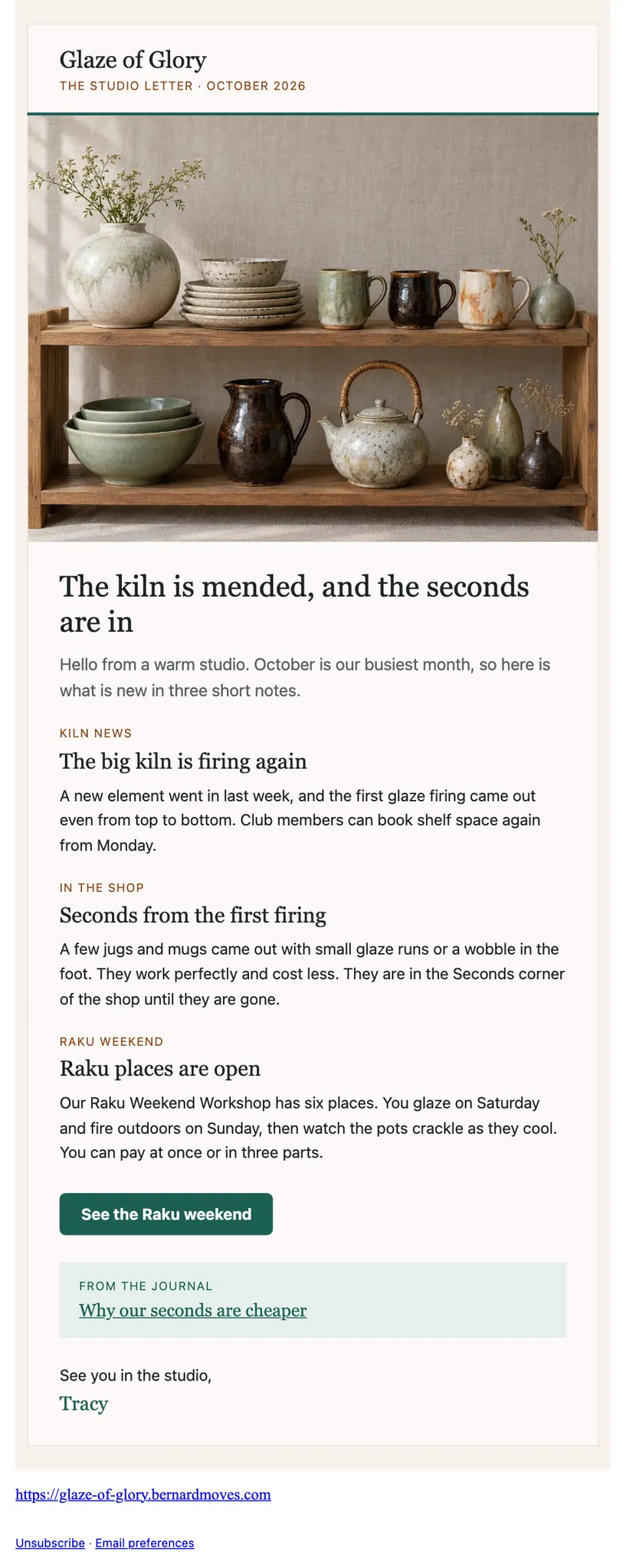

What makes Glaze of Glory different? Every pot is thrown, trimmed and glazed by hand in our Devon studio. Come and see.
Not sure what sets one business apart from another? Look at the work itself. This week I'm sharing what makes Glaze of Glory special, and I'd rather show you than tell you. The photo in this post gives a real look at what I do and the standard I hold myself to. If you're comparing options, here is my advice: look closely at the detail, ask plenty of questions, and choose the people whose work you would be proud to put your name to. I'd love to hear what you notice first. The page linked below has more to see. #SmallBusiness #GlazeOfGlory https://glaze-of-glory.bernardmoves.com/?utm_source=linkedin&utm_medium=social&utm_campaign=share-post-about-what-makes-you-special-03747e7a&utm_content=e6de7ecb-0a74-4738-9184-d2f57c1e9850
4 · one long piece, many posts
Tracy wrote a journal post about opening the kiln. Bernard turned it into two short posts, one for Instagram and one for LinkedIn. Each one quotes a sentence from the journal post exactly, then adds a few lines. Both wait on the shelf with no day and no picture yet, marked as Bernard's until Tracy edits them.
Turn my last blog post into posts for Instagram and LinkedIn.
🐚 Journal · 13 October 2026
The long piece. It went out on the journal.
“You hear the pots before you see them: a soft tinkling as the glaze settles on the cooling clay.” This is the moment I wait three weeks for.
“We write every one of those down in the kiln log, because a happy accident is only useful if you can do it again.” A good result you cannot repeat is only luck.
5 · make it move
Short films reach further than still photos. Make it move turns the photos you already have, and the words you already wrote, into a quiet film for a post. The film of the three mugs above was made this way, from one photo and the words of the post.
Nothing is invented. The only words on screen are the words of the post and your business name. The only pictures are the photos you chose. There is no generated picture, no generated video and no music. Bernard checks every film for this before you see it.
Tell Bernard how it should move in your own words, or pick one of nine starting points. A film takes a minute or two to make. You watch it on the post, and it goes out only when you press Schedule.
| Size | Pixels | Where it goes |
|---|---|---|
| Reel or Story, 9:16 | 1080 x 1920 | Instagram, Facebook |
| Feed, 4:5 | 1080 x 1350 | Instagram, Facebook, LinkedIn |
| Square, 1:1 | 1080 x 1080 | Instagram, Facebook, LinkedIn |
| LinkedIn link post, 1.91:1 | 1200 x 628 | |
| Blog header, 16:9 | 1280 x 720 | An 8-second loop at the top of a blog post |
| Email, 16:9 | 600 x 338 | A 3-second loop at the top of an email |
A social film is 6 to 15 seconds long and has no sound. Readers who ask their device for less motion see the still photo, as you do on this page if your device asks for it.
Make this photo move, slow and calm.
6 · make it anywhere
If you already write with Claude or ChatGPT, keep doing that. Connect your assistant to bernard with the Bernard Marketing connector, and it can put your posts, photos and films on your calendar. Your words arrive exactly as you wrote them, marked as yours. They wait for your approval like everything else.
Put this post I wrote on my bernard calendar for Thursday.
How posting works today
Bernard cannot post for you yet. Posting by Bernard is switched on one network at a time, after each network approves bernard. Until then, every post is a guided post:
Bernard never asks for your password and never logs in as you. Nothing goes out that you did not approve.
Read more
Glaze of Glory is a demonstration site. The posts, the calendar and the journal are demonstration content, made to show what bernard can do. Nothing on this page was posted, scheduled or sent.